
Buying a Printer for the Office? Ask These 7 Questions First
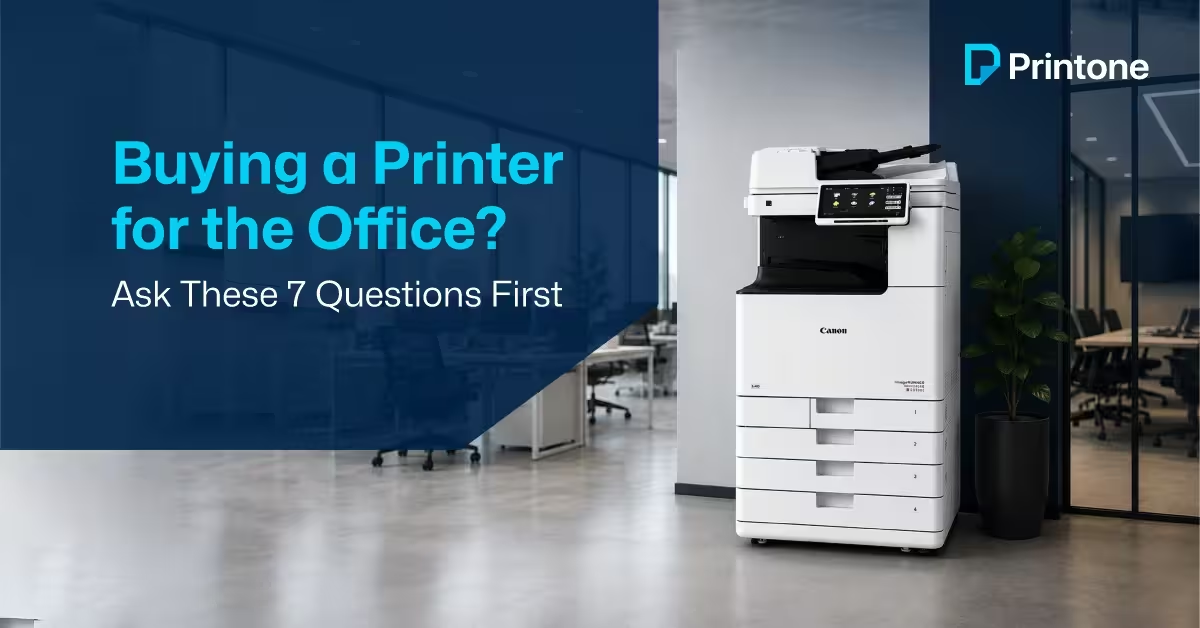
An office printer usually stays on the buying list until someone finally decides to deal with it.
Then comes the search.
Canon or HP?
A3 or A4?
Colour or monochrome?
One department wants faster scanning. Another wants lower running costs. Finance wants value. IT wants reliability.
A printer may look like a simple purchase from the outside, but choosing the wrong one can leave teams working around its limitations for years.
Before looking at brands and models, start with these questions.
1. What Kind of Documents Move Through Your Office?
A company that mainly prints invoices doesn’t need the same device as an engineering consultant printing drawings.
The first step is looking at what leaves the printer every day.
Is it quotations?
Contracts?
Project documentation?
HR paperwork?
Marketing material?
The answer often narrows the options faster than any product brochure.
2. Who Will Actually Use It?
Sometimes the printer is for one department.
Sometimes it quietly becomes everyone’s printer.
The machine that starts in administration often ends up serving finance, HR, operations, and management as well.
That changes the requirement completely.
A device handling ten users has a very different day from one handling fifty.
3. Is A4 Enough?
Many businesses answer this question without thinking.
Then six months later, they are sending drawings, plans, or large-format reports to an external print shop.
Construction companies, consultants, architects, and project teams often discover that A3 capability would have solved the problem from the beginning.
It’s worth asking before making the purchase.
4. How Much Time Is Spent Scanning Documents?
Ask an administrator what they do most often with the office printer.
The answer is surprisingly often scanning.
Employee files.
Signed agreements.
Vendor documents.
Invoices.
Customer paperwork.
For many offices, scanning is no longer a feature. It is part of the daily routine.
5. What Happens During Busy Periods?
Month-end.
Audit season.
Tender submissions.
Project deadlines.
Most offices have periods where document volumes increase dramatically.
The question isn’t how the printer performs on a quiet day.
The question is how it performs when everyone needs it at the same time.
6. What Happens After Installation?
This question rarely gets enough attention.
A printer arrives.
It gets installed.
Then life moves on.
Until the toner runs out.
A part needs replacing.
A scan folder stops working.
Support matters long after the installation team leaves.
That is why many businesses place as much value on service capability as they do on the printer itself.
7. Is Buying the Only Option?
Not necessarily.
Some businesses prefer ownership.
Others would rather invest capital elsewhere and keep printing as a managed monthly expense.
A growing company opening new offices may view the decision differently from an established organization with fixed infrastructure.
Both approaches have advantages.
The important thing is evaluating both before deciding.
Final Thoughts
The best office printer is rarely the one with the longest specification sheet.
It is the one that fits the way your office operates.
The number of users, the documents being handled, scanning requirements, support expectations, and future growth all influence the right decision.
The businesses that make the best purchasing decisions usually spend less time comparing models and more time understanding what their teams actually need from the device.
If you’re exploring office printers for sale in the UAE, start with the requirement first.
The right printer becomes much easier to identify after that.
Comments are closed