
What Happens to Enterprise Printing When Businesses Move to SAP S/4HANA Cloud?
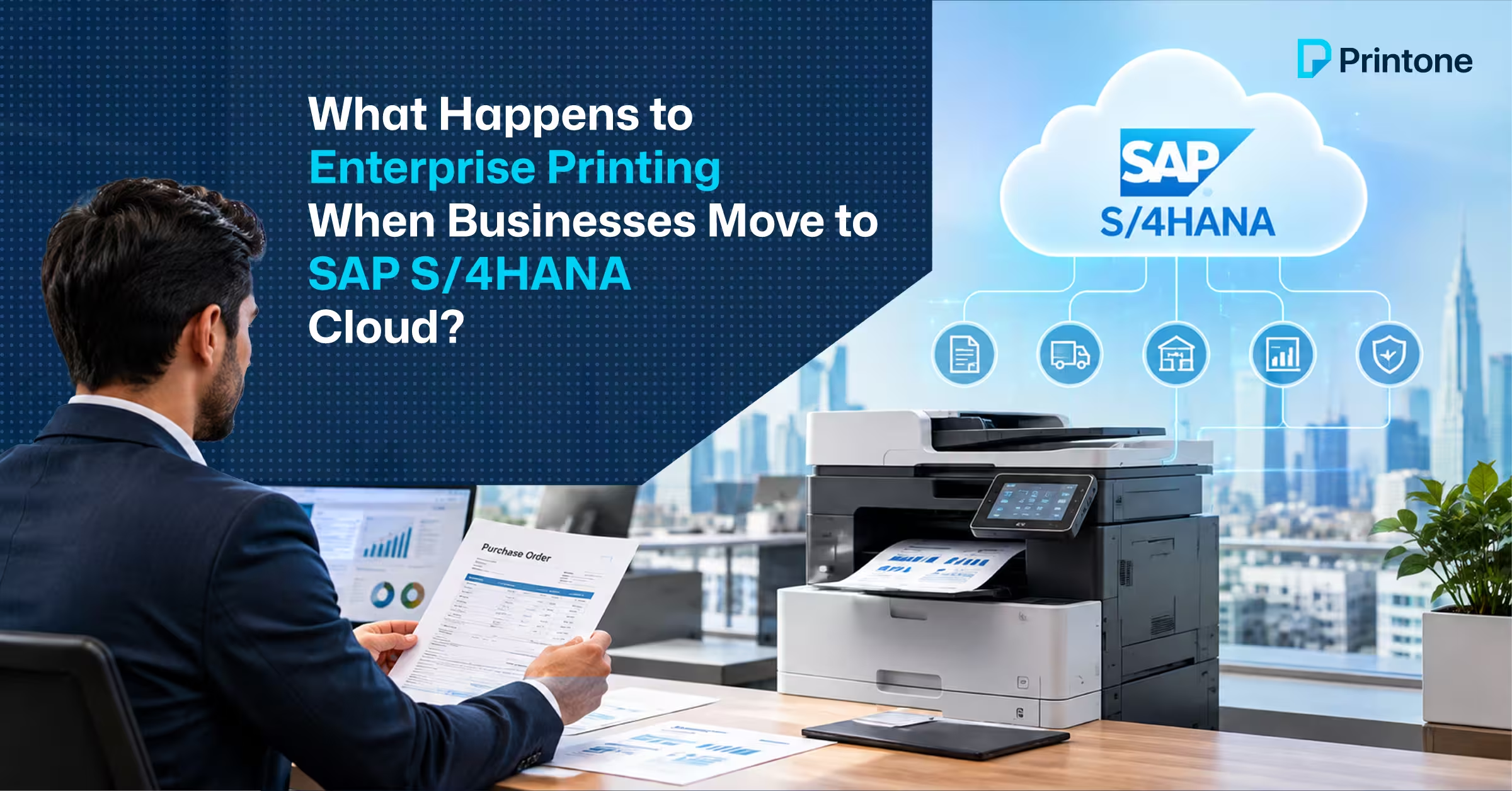
When businesses move from traditional on-premise ERP infrastructure to SAP S/4HANA Cloud, most attention goes to applications, data, integrations and security.
Printing is often considered later.
But invoices, purchase orders, delivery documents, warehouse documents, reports and other business-critical outputs still need to reach physical printers across offices, branches, warehouses and operational sites.
The challenge is that the way those print jobs reach the printer can change when the underlying IT architecture changes.
This makes enterprise output management an important consideration for organisations moving towards SAP S/4HANA Cloud.
Why SAP Cloud Migration Can Affect Printing
In a traditional environment, an enterprise print workflow may look like:
SAP → On-premise infrastructure → Print Server → Print Queue → Printer Driver → Printer
This model can work effectively when applications, servers and printers are managed within the same on-premise environment.
However, modern enterprises increasingly operate hybrid IT environments. SAP applications may move to the cloud while printers remain across offices, branches, warehouses and other physical locations.
This creates an important question:
How should business-critical output move from a cloud application to
physical printers across the organisation?
The answer requires more than simply selecting a printer.
The Challenge With Traditional Print Infrastructure
Large organisations may have hundreds or thousands of printers supported by:
● Multiple print servers
● Printer queues
● Printer-specific drivers
● PCL or PostScript dependencies
● Site-specific configurations
● Manual driver deployment
● Different printer brands and models
Maintaining this infrastructure across multiple locations can become increasingly complex.
An SAP migration provides an opportunity to review whether these existing dependencies should simply be carried forward or whether the organisation should modernise its output architecture.
What About Windows Printer Drivers?
Printer drivers have traditionally played an important role in enterprise Windows printing.
Microsoft is now changing how traditional third-party printer drivers are supported. Its published transition plan states that new third-party printer drivers will no longer be published to Windows Update for Windows 11 and later versions of Windows Server beginning January 15, 2026, with further changes to third-party driver servicing planned through 2027.
Existing printers do not simply stop working because of this transition. However, organisations with large, driver-dependent printer environments have a reason to review their long-term printing architecture.
For enterprises managing hundreds or thousands of devices, reducing dependency on traditional printer-specific drivers can become part of a wider infrastructure strategy.
What Is Enterprise Output Management?
Enterprise output management provides a layer between business applications and the destinations where their output needs to go.
A simplified architecture can look like:
SAP / Business Applications
↓
Output Management
↓
Printers / Branches / Warehouses / Other Destinations
Depending on the organisation’s requirements, this architecture can support on-premise, cloud or hybrid environments.
The objective is to provide a more centralised way of managing business output rather than relying entirely on individual print servers, queues and printer drivers.
Driverless and Serverless Printing
Two areas receiving greater attention in modern enterprise environments are driverless printing and serverless printing.
Driverless approaches can reduce dependency on individual printer-specific drivers and simplify printer management across large fleets.
Serverless approaches can reduce reliance on traditional distributed Windows print servers.
For enterprises with multiple locations, large printer fleets or significant SAP-generated output, these approaches can help reduce infrastructure complexity.
The right architecture depends on the organisation’s applications, printer fleet, security requirements and IT environment.
On-Premise, Cloud or Hybrid?
There is no single architecture for every business.
On-premise environments may remain appropriate where local infrastructure and control are important.
Cloud output management can support organisations looking to align printing with a broader cloud strategy.
Hybrid architectures can connect cloud applications with physical printers and infrastructure that remains on-premise.
For many enterprises undergoing transformation, understanding how these environments will work together is more important than simply deciding whether printing should be “cloud” or “on-premise.”
Questions IT Teams Should Ask
Before or during an SAP S/4HANA Cloud migration, IT teams should review:
- How does SAP currently route print jobs?
- How many print servers and queues are involved?
- How dependent is the environment on traditional printer drivers?
- Which printers support business-critical workflows?
- How will cloud applications communicate with physical printers?
- Can existing print-server dependencies be reduced?
- How will branches and remote locations be managed?
- Would an on-premise, cloud or hybrid output architecture be appropriate?
- How will SAP and non-SAP applications be managed together?
- Is the current printing architecture suitable for the organisation’s future IT environment?
Modernising Enterprise Printing
An SAP cloud migration is an opportunity to review more than the ERP system itself.
IT teams can assess the complete path from:
Business Application → Output Management → Infrastructure → Printer
This can reveal dependencies on legacy print servers, printer drivers and site-specific configurations that may be worth addressing as part of the wider transformation.
For organisations with large printer estates, multiple locations or business-critical SAP printing, output management should be considered as part of the overall IT architecture.
How Printone Can Help
Printone works across printer hardware, print management and IT solutions, allowing enterprise printing requirements to be considered from both the equipment and infrastructure perspective.
If your organisation is migrating to SAP S/4HANA Cloud, managing multiple print servers or reviewing its enterprise printer infrastructure, Printone can help assess the existing environment and explore suitable on-premise, cloud and hybrid output-management approaches.
Comments are closed